

Price tax included
165.73 zł
198.00 zł
Categories
Others
42
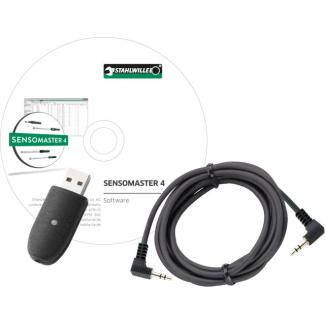
SENSOMASTER 4 - a single software package for all STAHLWILLE electronic torque wrenches
intuitive graphical user interface with a clear tab layout
quick and easy programming of electronic torque wrenches
enables comprehensive evaluation, for example in connection with quality assurance
reading of stored wrench data and joint readings:
joint identifier
tool serial number
date and time of the tightening operation
target torque or target angle
torque level at which the tool cuts off
torque or angle achieved
tolerances
joint evaluation
storing joint data in a database
deleting or printing highlighted joints from the database
exporting joint data to various file formats (*.XLS, *.CSV, *.ODG)
user management
defining a new PIN code
deleting joint data stored in the wrench
System requirements:
- PC
- with Microsoft Windows XP
- USB connection
Quick view
intuitive graphical user interface with a clear tab layout
quick and easy programming of electronic torque wrenches
enables comprehensive evaluation, for example in connection with quality assurance
reading of stored wrench data and joint readings:
joint identifier
tool serial number
date and time of the tightening operation
target torque or target angle
torque level at which the tool cuts off
torque or angle achieved
tolerances
joint evaluation
storing joint data in a database
deleting or printing highlighted joints from the database
exporting joint data to various file formats (*.XLS, *.CSV, *.ODG)
user management
defining a new PIN code
deleting joint data stored in the wrench
System requirements:
- PC
- with Microsoft Windows XP
- USB connection
-16%
Price tax included
735.72 zł
879.00 zł
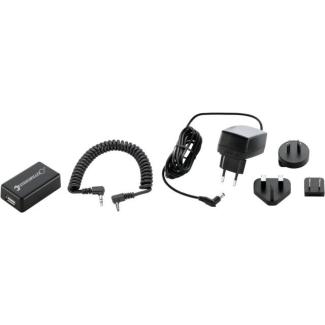
required for automated calibration and adjustment of the angle-adjustable torque wrench No. 714 using the perfectControl® calibration and adjustment units No. 7794-2 and 7794-3.
Contents:
No. 7761 interface adapter
No. 7752 spiral cable
No. 7760 power adapter
Quick view
Contents:
No. 7761 interface adapter
No. 7752 spiral cable
No. 7760 power adapter
-16%
Price tax included
1,506.60 zł
1,800.00 zł
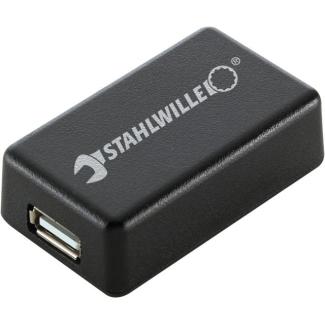
required for automatic calibration and adjustment of angle-adjustable torque wrenches No. 714 using perfectControl® calibration and adjustment units No. 7794-2 and 7794-3
Quick view
-16%
Price tax included
1,222.02 zł
1,460.00 zł
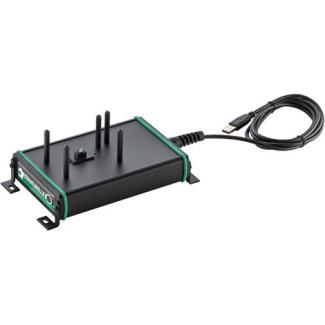
Stationary base for securely connecting the angle-adjustable torque wrench No. 714 to a PC via a USB port
Quick view
-16%
Price tax included
1,489.86 zł
1,780.00 zł
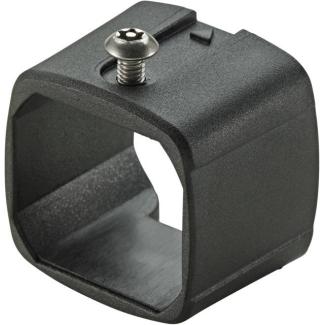
The system is locked onto the head of the torque wrench
using a locking screw
Once the locking system is installed, an insert tool can be inserted but cannot be removed, because the QuickRelease release button itself is locked in place when removed
the locking screw, the torque wrench reverts to a standard, versatile tool
the locking screw can be installed and removed using a TORX® screwdriver with a central hole in the tip (No. 4656, size T20, code 46 56 30 20) or a screwdriver bit with a central hole in the tip (No. 1442, size T20, code 08 16 00 20).
Quick view
using a locking screw
Once the locking system is installed, an insert tool can be inserted but cannot be removed, because the QuickRelease release button itself is locked in place when removed
the locking screw, the torque wrench reverts to a standard, versatile tool
the locking screw can be installed and removed using a TORX® screwdriver with a central hole in the tip (No. 4656, size T20, code 46 56 30 20) or a screwdriver bit with a central hole in the tip (No. 1442, size T20, code 08 16 00 20).
-16%
Price tax included
28.63 zł
34.20 zł
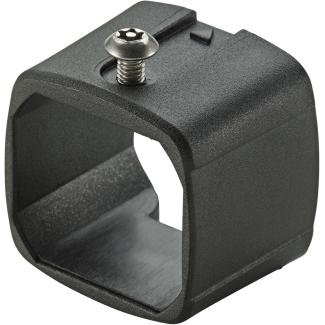
The system is locked onto the torque wrench head using a locking screw
Once the locking system is installed, the insert tool can be secured but cannot be removed, as the QuickRelease release button itself is locked in place
After removing the locking screw, the torque wrench becomes
a standard, universal tool
The locking screw can be installed and removed using a TORX® screwdriver with a central hole in the tip (No. 4656, size T20, code 46 56 30 20) or a screwdriver bit with a central hole in the tip (No. 1442, size T20, code 08 16 00 20).
Quick view
Once the locking system is installed, the insert tool can be secured but cannot be removed, as the QuickRelease release button itself is locked in place
After removing the locking screw, the torque wrench becomes
a standard, universal tool
The locking screw can be installed and removed using a TORX® screwdriver with a central hole in the tip (No. 4656, size T20, code 46 56 30 20) or a screwdriver bit with a central hole in the tip (No. 1442, size T20, code 08 16 00 20).
-16%
Price tax included
29.71 zł
35.50 zł
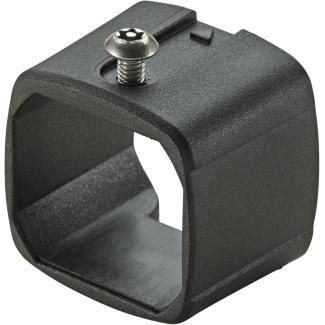
The system is locked onto the torque wrench head using a locking screw
Once the locking system is installed, the insert tool can be secured but cannot be removed, as the QuickRelease release button itself is locked in place
After removing the locking screw, the torque wrench becomes
a standard, universal tool
The locking screw can be installed and removed using a TORX® screwdriver with a central hole in the tip (No. 4656, size T20, code 46 56 30 20) or a screwdriver bit with a central hole in the tip (No. 1442, size T20, code 08 16 00 20).
Quick view
Once the locking system is installed, the insert tool can be secured but cannot be removed, as the QuickRelease release button itself is locked in place
After removing the locking screw, the torque wrench becomes
a standard, universal tool
The locking screw can be installed and removed using a TORX® screwdriver with a central hole in the tip (No. 4656, size T20, code 46 56 30 20) or a screwdriver bit with a central hole in the tip (No. 1442, size T20, code 08 16 00 20).
-16%
Stahlwille
7161-4 - QuickRelease safety lock for 730/5 Quick, 730/5 Fix, 730N/5 torque wrenches, 54100073
Price tax included
28.63 zł
34.20 zł
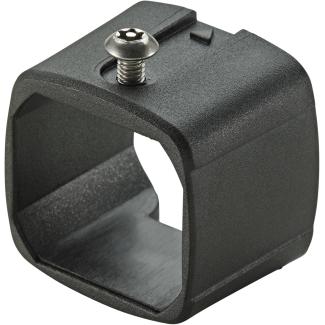
The system is locked onto the torque wrench head using a locking screw
Once the locking system is installed, the insert tool can be secured but cannot be removed, as the QuickRelease release button itself is locked in place
After removing the locking screw, the torque wrench becomes
a standard, universal tool
The locking screw can be installed and removed using a TORX® screwdriver with a central hole in the tip (No. 4656, size T20, code 46 56 30 20) or a screwdriver bit with a central hole in the tip (No. 1442, size T20, code 08 16 00 20).
Quick view
Once the locking system is installed, the insert tool can be secured but cannot be removed, as the QuickRelease release button itself is locked in place
After removing the locking screw, the torque wrench becomes
a standard, universal tool
The locking screw can be installed and removed using a TORX® screwdriver with a central hole in the tip (No. 4656, size T20, code 46 56 30 20) or a screwdriver bit with a central hole in the tip (No. 1442, size T20, code 08 16 00 20).
-16%
Price tax included
33.31 zł
39.80 zł
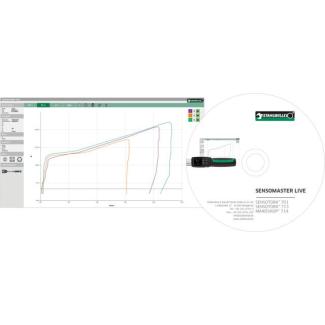
Recording of tightening operations using MANOSKOP® 714, SENSOTORK® 713R (from firmware version 4.x), and SENSOTORK® 701
Display of torque over time, angle over time, torque versus angle
display of multiple curves simultaneously
data export for further processing
the software is intended for single-user licensed
torque wrenches 714/1 ... /100 must have firmware version 02.01.02
Quick view
Display of torque over time, angle over time, torque versus angle
display of multiple curves simultaneously
data export for further processing
the software is intended for single-user licensed
torque wrenches 714/1 ... /100 must have firmware version 02.01.02
-16%
Price tax included
5,909.22 zł
7,060.00 zł
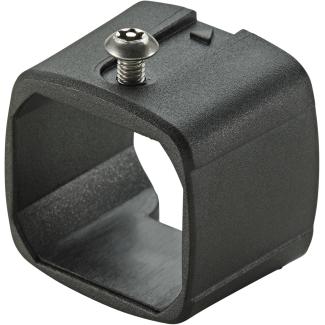
The system is locked onto the torque wrench head using a locking screw
Once the locking system is installed, the insert tool can be secured but cannot be removed, as the QuickRelease release button itself is locked in place
After removing the locking screw, the torque wrench becomes
a standard, universal tool
The locking screw can be installed and removed using a TORX® screwdriver with a central hole in the tip (No. 4656, size T20, code 46 56 30 20) or a screwdriver bit with a central hole in the tip (No. 1442, size T20, code 08 16 00 20).
Quick view
Once the locking system is installed, the insert tool can be secured but cannot be removed, as the QuickRelease release button itself is locked in place
After removing the locking screw, the torque wrench becomes
a standard, universal tool
The locking screw can be installed and removed using a TORX® screwdriver with a central hole in the tip (No. 4656, size T20, code 46 56 30 20) or a screwdriver bit with a central hole in the tip (No. 1442, size T20, code 08 16 00 20).
-16%
Price tax included
28.63 zł
34.20 zł
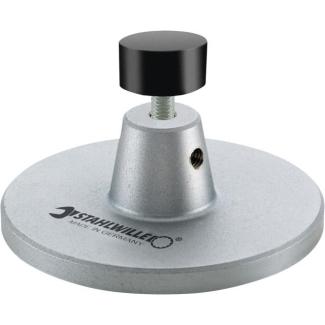
for secure support of Longangle torque wrenches No. 714 from size 6 and up
Quick view
-16%
Price tax included
233.52 zł
279.00 zł
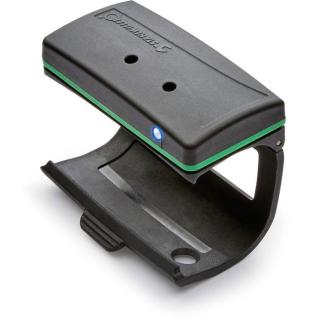
Price tax included
1,439.64 zł
1,720.00 zł
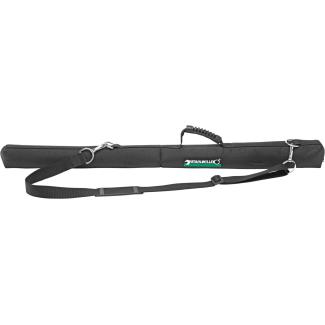
For safe storage and transport of large torque wrenches
Quick view
-16%
Price tax included
350.70 zł
419.00 zł
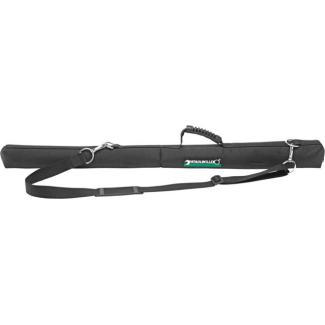
For safe storage and transport of large torque wrenches
Quick view
-16%
Price tax included
250.26 zł
299.00 zł
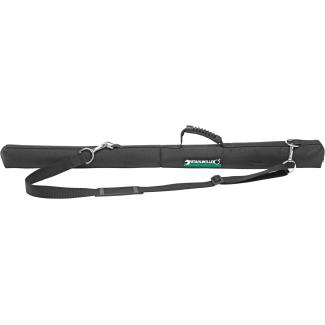
For safe storage and transport of large torque wrenches
Quick view
-16%
Price tax included
303.83 zł
363.00 zł
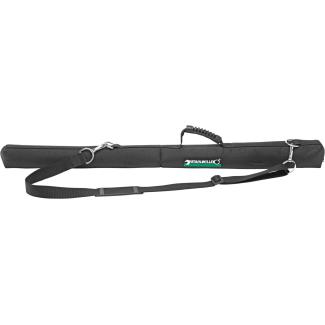
For safe storage and transport of large torque wrenches
Quick view
-16%
Price tax included
350.70 zł
419.00 zł
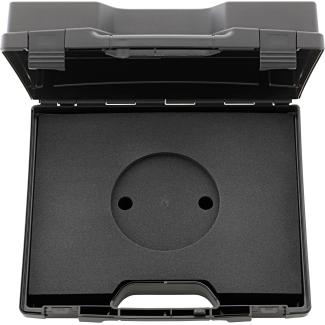
for safe storage and transport of torque transducers (inserts must be ordered separately)
Quick view
-16%
Price tax included
364.10 zł
435.00 zł
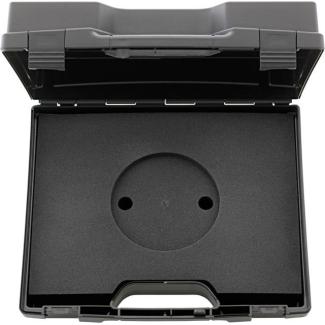
for safe storage and transport of torque transducers (inserts must be ordered separately)
Quick view
-16%
Price tax included
102.11 zł
122.00 zł
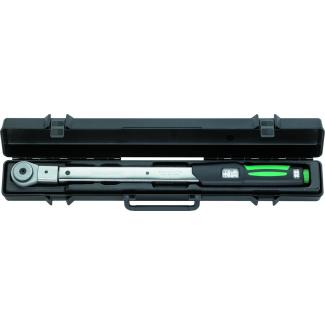
for safe storage and transport of torque wrenches (sockets must be ordered separately)
supplied without a torque wrench
Quick view
supplied without a torque wrench
-16%
Price tax included
99.60 zł
119.00 zł
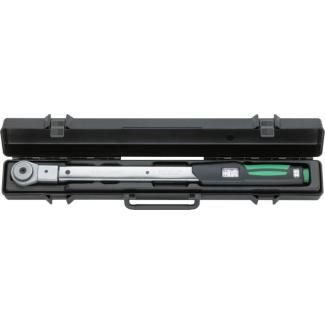
for safe storage and transport of torque wrenches (sockets must be ordered separately)
supplied without a torque wrench
Quick view
supplied without a torque wrench
-16%
Price tax included
87.89 zł
105.00 zł
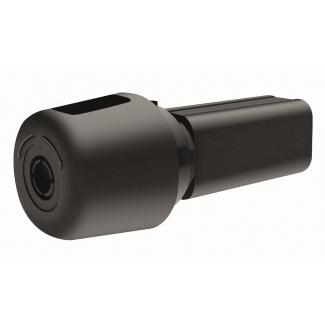
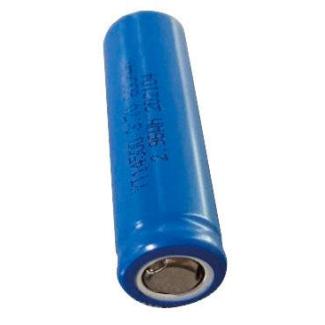
Max. charging voltage 4.2 V
Capacity 2600 mAh
Hazardous goods: Lithium-ion battery according to UN 3480, Class 9
Quick view
Capacity 2600 mAh
Hazardous goods: Lithium-ion battery according to UN 3480, Class 9
-16%
Price tax included
513.08 zł
613.00 zł
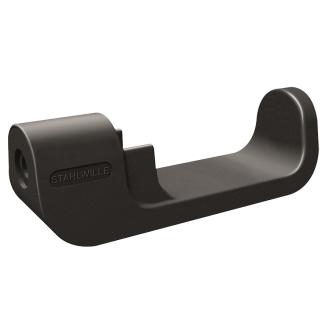
includes charger
Input: 100 V–240 V AC
Output: 4.2 V DC
Charging time: 4 hours
with interchangeable plug adapters
Quick view
Input: 100 V–240 V AC
Output: 4.2 V DC
Charging time: 4 hours
with interchangeable plug adapters
-16%
Price tax included
662.90 zł
792.00 zł
Price tax included
675.46 zł
807.00 zł
Price tax included
675.46 zł
807.00 zł
Price tax included
675.46 zł
807.00 zł
Price tax included
675.46 zł
807.00 zł
Price tax included
675.46 zł
807.00 zł
Price tax included
675.46 zł
807.00 zł
Price tax included
675.46 zł
807.00 zł
Price tax included
675.46 zł
807.00 zł
Price tax included
662.90 zł
792.00 zł
Price tax included
675.46 zł
807.00 zł
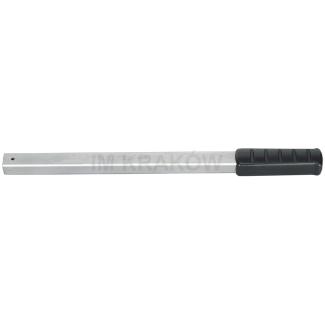
with tool holder for insert/shell tools (without torque function)
Sale!
-11%
Stahlwille PROMO
1820 - Holder for 9 x 12 mm plug-in tips, 18200001
Price tax included
151.71 zł
170.00 zł
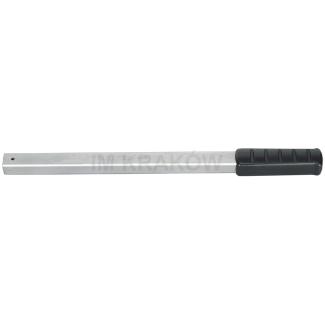
with tool holder for insert/shell tools (without torque function)
Sale!
-11%
Stahlwille PROMO
1822 - Holder with 24.5 x 28 mm socket, length 1000 mm, 18220003
Price tax included
705.00 zł
790.00 zł
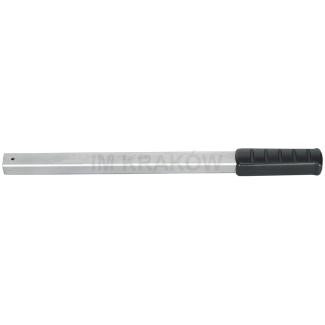
with tool holder for insert/shell tools (without torque function)
Sale!
-11%
Stahlwille PROMO
1821 - Holder for 14 x 18 mm plug-in tips, 18210001
Price tax included
196.33 zł
220.00 zł
Price tax included
0.00 zł
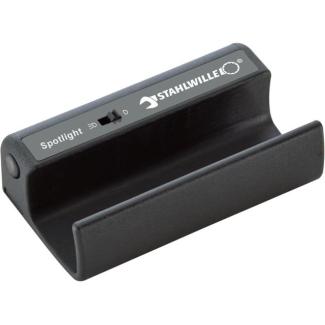
For torque wrenches, in low-light conditions, simply connect the LED lamp to illuminate the work area
The set includes a 1.5 V micro-battery
Supplied without a torque wrench
Quick view
The set includes a 1.5 V micro-battery
Supplied without a torque wrench
Price tax included
0.00 zł

Fits torque wrenches no.: 721/5-20 Quick, 730/5-20 Quick, 730/5-20 Fix, 730N/5-20, 730D/10
Quick view
Price tax included
0.00 zł

Fits torque wrenches no.: 721/5-20 Quick, 730/5-20 Quick, 730/5-20 Fix, 730N/5-20, 730D/10
Quick view
Price tax included
0.00 zł
Price tax included
0.00 zł
Price tax included
0.00 zł